 FreeSeedFinder
Free Minecraft Seed Tools
Every tool here is free, needs no account and runs in your browser, so your seeds, coordinates and files stay on your device. Each tool page explains how the calculation works, lists its sources and says which game versions it applies to.
Choose a tool
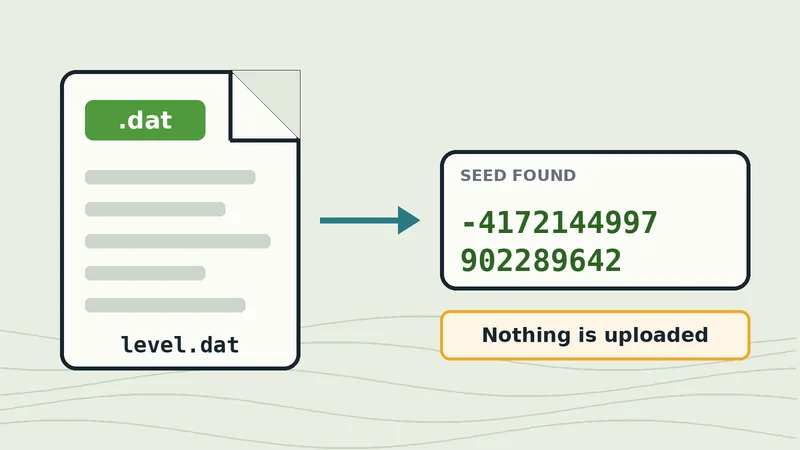 Java + Bedrock beta
World file seed reader
Read the seed from level.dat or world_gen_settings.dat without opening the world.
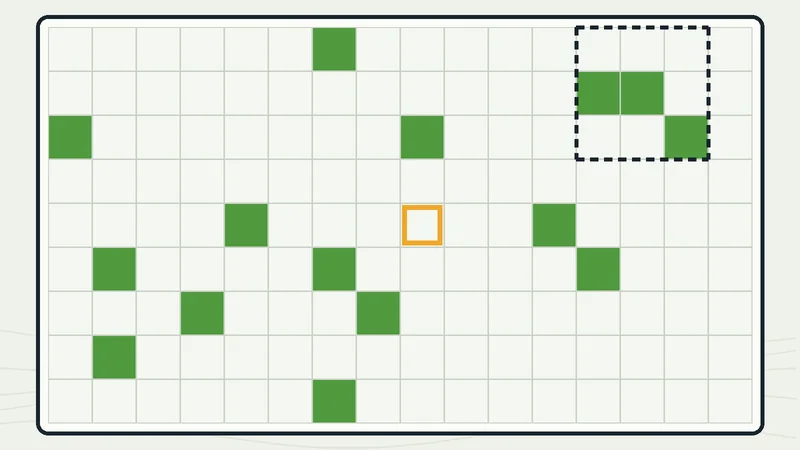 Java Edition
Slime chunk finder
Map slime chunks for any Java seed and find the densest spot for a farm.
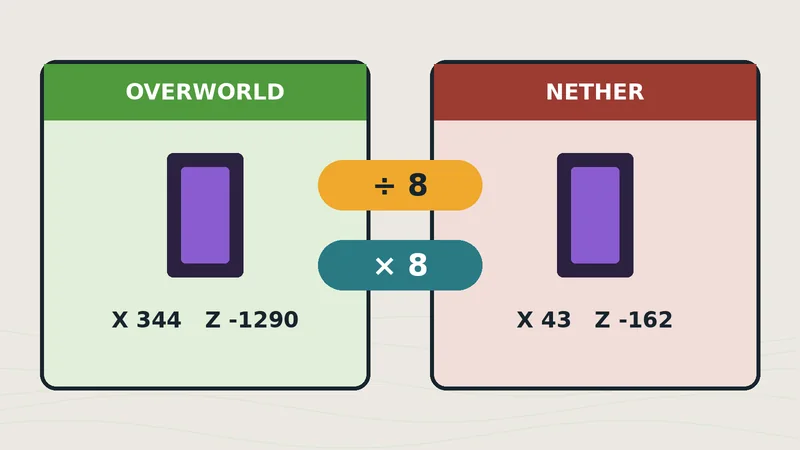 Java + Bedrock
Nether portal calculator
Convert coordinates between dimensions and check whether two portals will link.
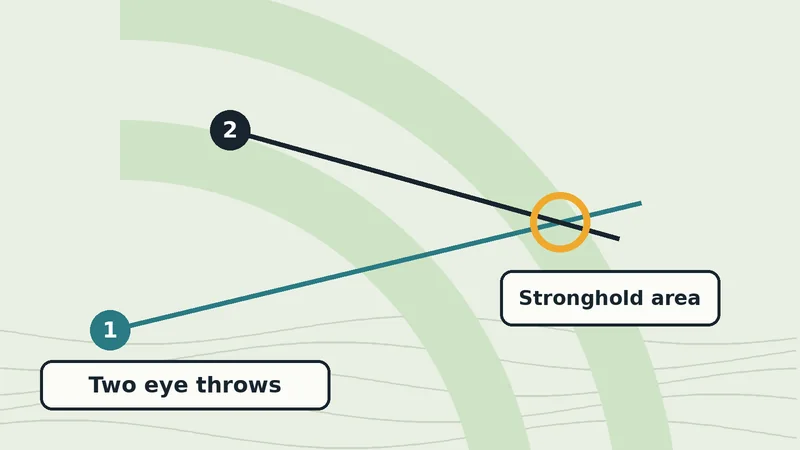 Java Edition
Stronghold locator
Triangulate a stronghold from two eye of ender throws and check it against the rings.
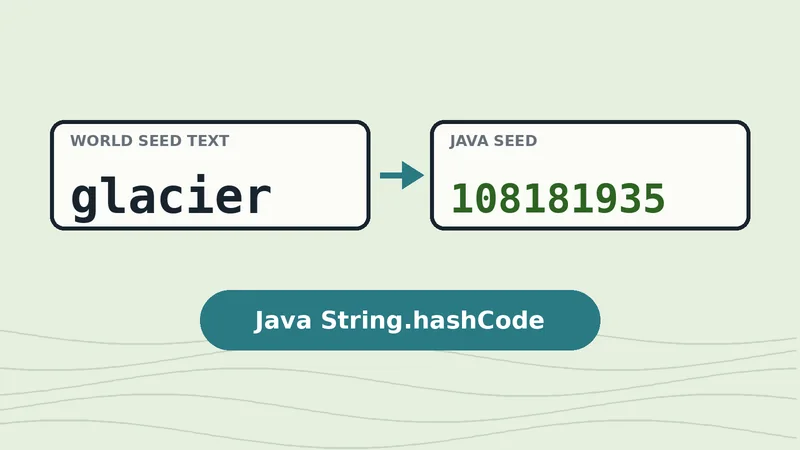 Java Edition
Text to seed converter
See the exact number Java uses for any word or phrase you type as a seed.
World File Seed Reader
Drop in your level.dat or world_gen_settings.dat file and read the seed without opening the world. It understands the Java 26.1 change that moved world generation settings to a separate file, and has beta support for Bedrock.
Slime Chunk Finder
Enter a Java seed and coordinates to see every slime chunk on a map, the nearest chunks with block ranges, and the densest group of chunks for a farm.
Nether Portal Calculator
Convert coordinates between the Overworld and the Nether, and check whether two portals are far enough apart to link to different partners in Java or Bedrock.
Stronghold Locator
Throw two eyes of ender, enter your positions and yaw angles, or paste the F3+C command, and the tool finds where the lines cross, checks it against the Java stronghold rings and draws a map.
Text to seed converter
The converter on the homepage shows the exact number Java Edition uses for any text seed.
Need help using a tool?
Our guides explain the ideas behind each tool, for example how to find your seed before you use the slime chunk finder. If a result looks wrong, tell us on the contact page.