 FreeSeedFinder
Seed tools that give exact answers
Free tools and plain guides for Minecraft Java and Bedrock seeds. Every tool is tested against known results, every guide cites its sources, and each page shows when it was last reviewed. No login, no downloads.
Turn a word into a Java seed
Java Edition turns text into a number when you create a world. Type your text to see it.
Free seed tools
Every tool is free, needs no account and runs in your browser, so your seeds and files stay on your device. Each one cites its sources and says which game versions it covers.
 Java + Bedrock beta
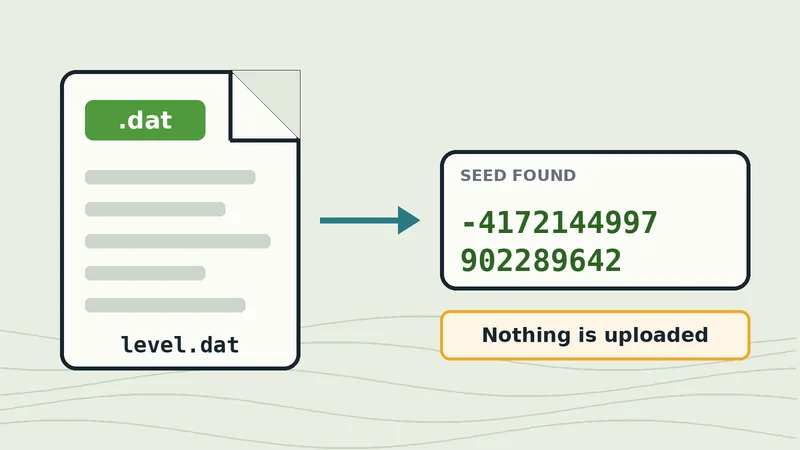
World file seed reader
Read the seed from level.dat or world_gen_settings.dat without opening the world.
 Java Edition
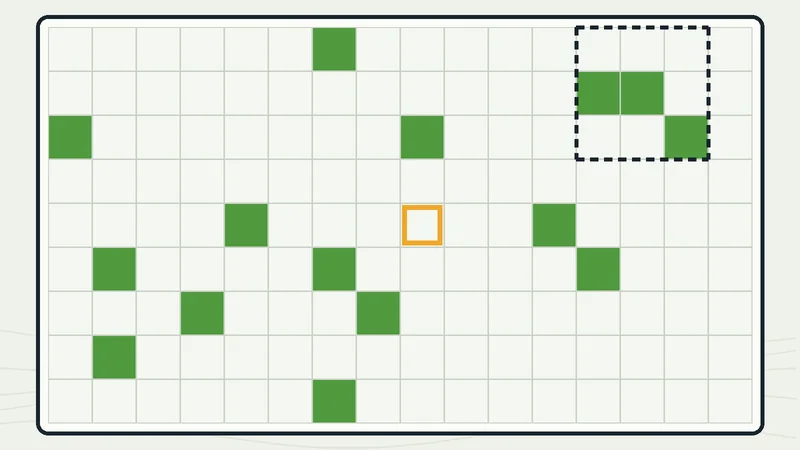
Slime chunk finder
Map slime chunks for any Java seed and find the densest spot for a farm.
 Java + Bedrock
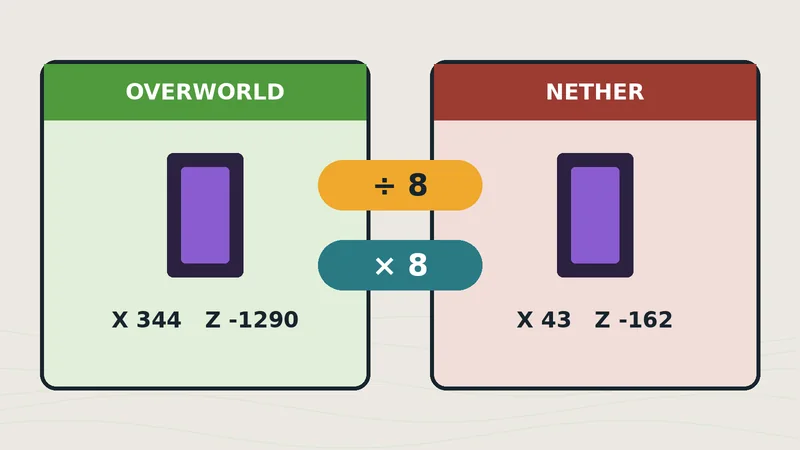
Nether portal calculator
Convert coordinates between dimensions and check whether two portals will link.
 Java Edition
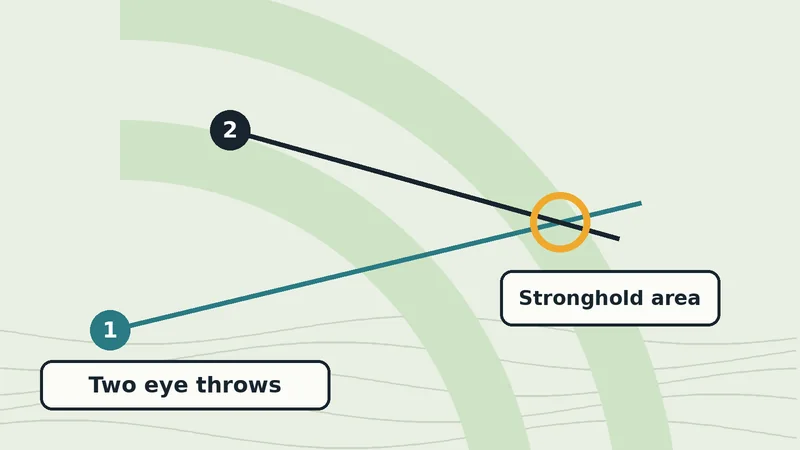
Stronghold locator
Triangulate a stronghold from two eye of ender throws and check it against the rings.
Looking for the text to seed converter? It is the box at the top of this page. See all tools and how they work
Seed guides
Plain answers to the questions players ask most. Each guide cites its sources and links to the tool that does the work for you.
- What is a Minecraft seed?How a number becomes terrain, biomes and structures, and what it does not include.Guide
- How to find your seedThe /seed command, the world settings screen, level.dat, servers and Realms.Guide
- Java vs Bedrock seedsWhat stays the same and what changes when you use one seed in both editions.Guide
- Seed not matching your worldEight causes and fixes when a map or new world looks different.Guide
- Slime farm locationChoose the best slime chunks and check your spot before you build.Guide
- Find a seed from a screenshotWhy a picture rarely works, and what does.Guide
Built for accuracy
Seed information online is full of conflicting claims, so we show our work.
Guides are checked against the Minecraft Wiki and official release notes, and their sources are listed at the bottom of each page. Tools are tested against known results and documented formulas. Every page shows its last review date, and when sources disagree we say so. Read the editorial policy or meet the author, Shaheer Bin Ramzan.
How do I find the seed of my world?
The short answer, then the full guide with screenshots for each edition.
In Java Edition, run the /seed command in chat; on a server you need operator permission. Bedrock Edition lists the seed in the world's settings screen. If you cannot open the world, the seed is also stored in its level.dat file.
Read the full guide to finding your Minecraft seed, including servers and Realms.
Seed already in hand but the world looks wrong? See 8 causes and fixes.
Questions about seeds
What is a Minecraft seed?
A seed is the number the game uses to generate a world. Worlds created with the same seed, edition and game version have the same terrain, biomes and structures.
Does a seed give the same world in Java and Bedrock?
For 64-bit seeds, terrain and biomes match, but structures such as villages and strongholds can sit in different places. Game updates can also change a seed's terrain, so note the edition and version. If your world still does not match, check the common causes.
How does text become a number?
If the text is a whole number, Java Edition uses it directly. Otherwise it runs the text through Java's String hashCode function and uses the resulting 32-bit number as the seed.